IMAGE CONVERSION
How to avoid confetti in a cross stitch pattern
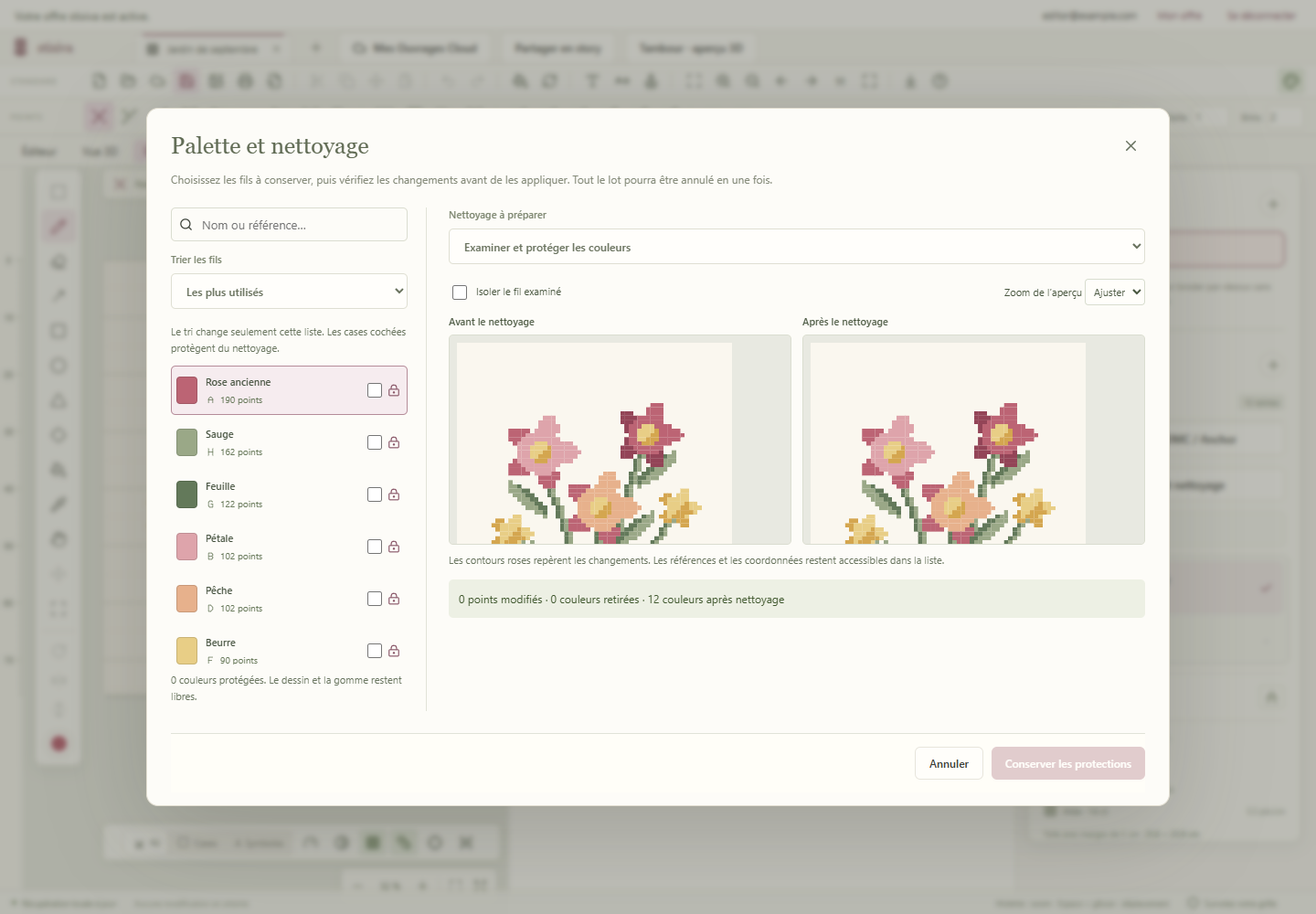
“Confetti” are those isolated stitches that make you change thread constantly. A few conversion settings are often enough to reduce them, while keeping what makes your image recognizable.
Why does an image turn into a shower of confetti?
A photo contains thousands of shades and tiny variations of light. If every shade is kept during conversion, the chart reproduces that visual noise as single stitches. Over a small area, it can make stitching slow and the chart hard to read.
Start with a sensible size
The fewer stitches you have compared with the photo’s level of detail, the more the conversion has to simplify. Choose a sharp subject, crop out secondary areas and avoid enlarging a small face or a blurry detail. The chart size should serve the design, not just the original image.
Reduce the palette with intent
- Keep the colors that define the large areas and contrasts.
- Merge very similar shades in the background.
- Keep more shades around useful outlines, eyes or important highlights.
Clean up without erasing essential details
Color cleanup should be reversible. In stixiva, the conversion workflow lets you test the cleanup, then compare the result before exporting. Check outlines, skin gradients and small highlights in particular: they sometimes need an exception.
FAQ
Should you remove all confetti?
No. An isolated stitch can be intentional when it represents an eye, a star or a highlight. The goal is to remove noise, not useful detail.
Is a smaller palette always better?
Not necessarily. It makes stitching easier, but cutting colors too far can flatten the design. Look for a balance between readability and faithfulness.
Test your conversion on a real chart.
Import an image, adjust its colors and keep the version that makes you want to stitch.
Open the stixiva studio